
Store listing
Text and answers for App Store Connect and Google Play Console. The app is not on either store yet. Paste from here when you submit. Counts are for the limits those forms enforce.
URLs both stores require
| Field | URL |
|---|---|
| Privacy policy | https://tecav.com.au/flight-crew-trainer/privacy.html |
| Support | https://tecav.com.au/flight-crew-trainer/support.html |
| Marketing (Apple, optional) | https://tecav.com.au/flight-crew-trainer/ |
| Terms | https://tecav.com.au/terms.html |
These pages have to be public before you submit. They are on this computer until you publish the website.
Identity
| Name | Flight Crew Trainer |
| Seller | TecAv Software |
| Copyright | © 2026 TecAv Software |
| Apple bundle ID | com.tecav.flightCrewTrainer |
| Android application ID | com.tecav.flight_crew_trainer |
| Category | Education |
| Price | Set in the store. This page does not set a price. |
| In-app purchases | None |
| Ads | No |
| Account required | No |
| Devices | iPhone, iPad, Android phones, Android tablets |
Apple
Subtitle (21 of 30)
Crew callout practice
Promotional text (118 of 170)
Build procedures, recalls, and radio calls. Train with your own voice or the phone’s. Company profiles stay encrypted.
Keywords (77 of 100)aviation,pilot,crew,recall,radio,callout,training,procedure,descent,checklist
What’s new (first release)
First release.
Google short description
(67 of 80)
Practise crew callouts, radio, and the descent table on your phone.
Description
Same text for the Apple description and the Google full description. Under 4,000 characters.
Flight Crew Trainer is for people who need to say the right words, in the right order, at the right time. The same app runs on iOS and Android.
Build a profile for one aircraft or one company. Put procedures, recalls, radio calls, and limitations in the library. Record each line in your own voice, or let the phone speak it. Then train. You can see the words, hear them, or do both. A times-table drill covers the 3 times descent used by most pressurised aircraft, or the 5 times descent used by most unpressurised aircraft.
Library. Folders separate the training. You can create or delete them. The defaults are Procedures, Recalls, Radio, Limitations, and 3 Times. The descent folder is the setup for the drill. You practise it from Train.
Each line has a speaker, such as pilot flying, pilot monitoring, or ATC, and its own timing. Quick timing is for a fast run-through. Actual timing is closer to the real call. You can add or take away a little time after one line.
Record several takes and keep the one you want. Spoken words let the same figures be said differently in different folders. 123 can be “one two three” in a recall and “one hundred and twenty three” somewhere else. The folder you are in wins. Every word in the list is still used.
Train in silence, with the words and the sound together, or entirely by ear while you walk the dog. Choose the items, or let the app build a session for 5, 15, 30, or 60 minutes. Pause and Stop stay on the screen.
The screen can follow the language of the phone, or you can pick one of 14 languages. Scripts, recordings, and profile names stay as they were written. The language choice is on the device. Importing a company profile does not change it.
Profiles. A profile can be a private one you build, or a company profile. Export and import are encrypted .fctx files. Only Flight Crew Trainer can open them, and only with the password. A company can publish a locked profile. The working copy is not changed by publishing. A crew member who has the password can download the company profile from tecav.com.au.
Flight Crew Trainer is a practice aid. It does not replace an instructor, an approved training program, or the company manual. You are responsible for what goes into a profile.
Age and content
- Apple age rating: 4+. No violence, sexual content, profanity, horror, gambling, alcohol, tobacco, or drugs in the app itself. Not a Made for Kids app.
- Unrestricted web: no built-in browser. Support, privacy, and the profile download open in the device’s browser.
- Google content rating: Everyone. No violence, sexuality, or profanity in the app. No social network. No public sharing of what the user writes. A user can export an encrypted file themselves.
- Designed for Families / teacher-approved: no. The app is for adults.
- User-generated content in the app: scripts the user or their company write, stored on the device or in an encrypted file. Not posted to a TecAv service.
Apple App Privacy
Data Not Collected by TecAv. Nothing the user types, records, or photographs is sent to TecAv.
Still say this in the privacy policy, which you already point the store at: if a spoken check cannot run on the device, that audio may go to Apple’s speech recognition. You do not receive it. Data that stays on the device is not declared as collected.
Google Data safety
- Does the app collect or share user data? TecAv does not collect it. Audio may be shared with Google speech recognition only when a spoken check cannot run on the device.
- Data types if you declare that share: Audio. Purpose: app functionality. Not shared for advertising. Not sold. Collection is optional and the user starts it by using the check. The user can refuse the microphone.
- Data stored only on the device (scripts, recordings, photos, profile name): answer that it is not collected, because it is not transmitted to you.
- Encrypted in transit: yes for a profile download (HTTPS) and for any speech-recognition request the phone makes.
- Users can ask for data to be deleted: there is no account. Deleting the app deletes the on-device data. Support email can delete a file someone sent you.
- Play Console account-deletion URL: not required. The app has no accounts.
- Ads: no.
Encryption (Apple export compliance)
The app encrypts profile files with AES-256-GCM. A download from this website uses HTTPS. On the question “does your app use encryption?”, the answer is yes. It is the ordinary kind used to protect a file the user created, and to fetch a file over HTTPS. Confirm the exemption in App Store Connect when you submit. This page is not a legal classification, and it is not an ERN.
Screenshots for the stores
The pictures on the overview are reduced copies for the website. Do not upload those files to App Store Connect. Capture them again at the size each store asks for.
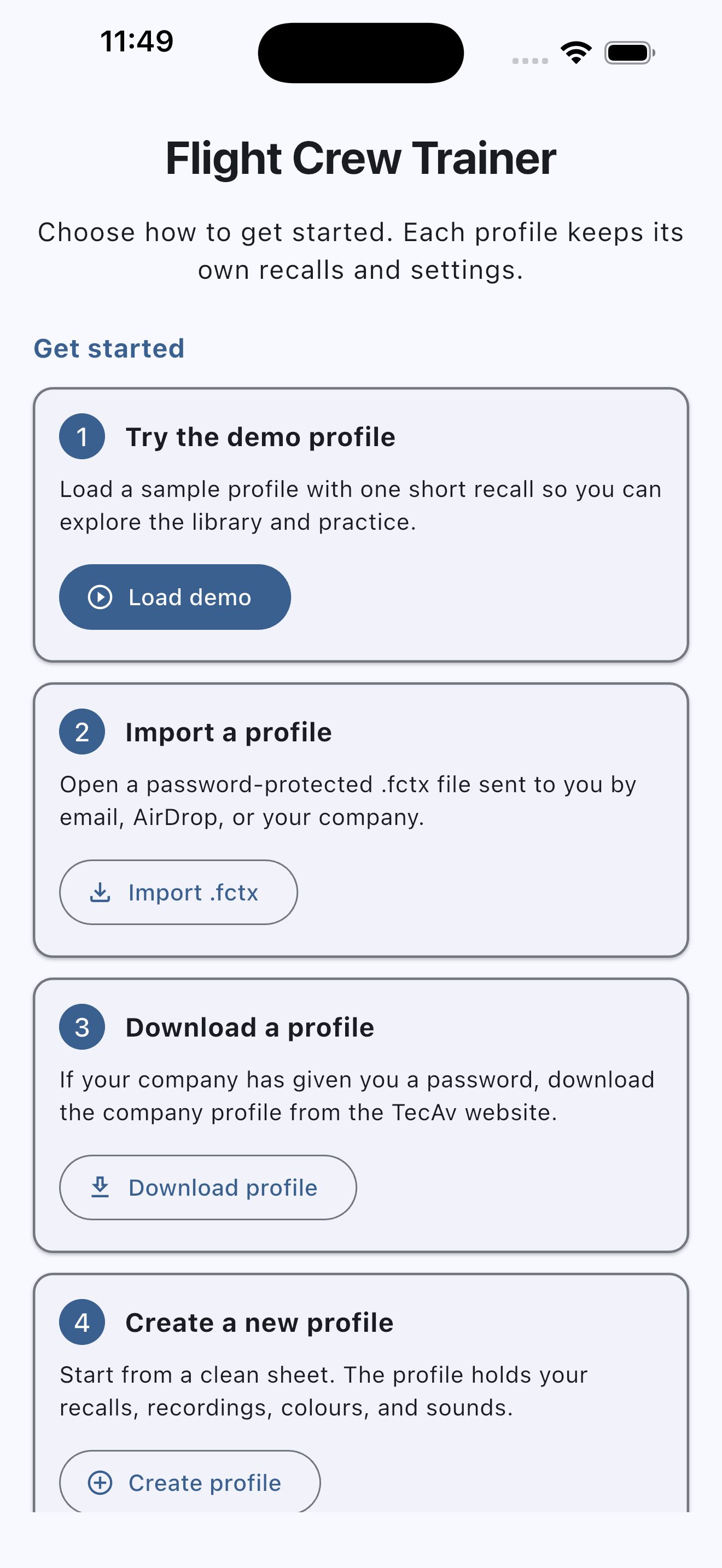
- Apple iPhone: at least one screenshot at 1320 × 2868, 1290 × 2796, or 1260 × 2736 (portrait). App Store Connect scales that set to smaller iPhones. Up to 10. PNG or JPEG, no transparency.
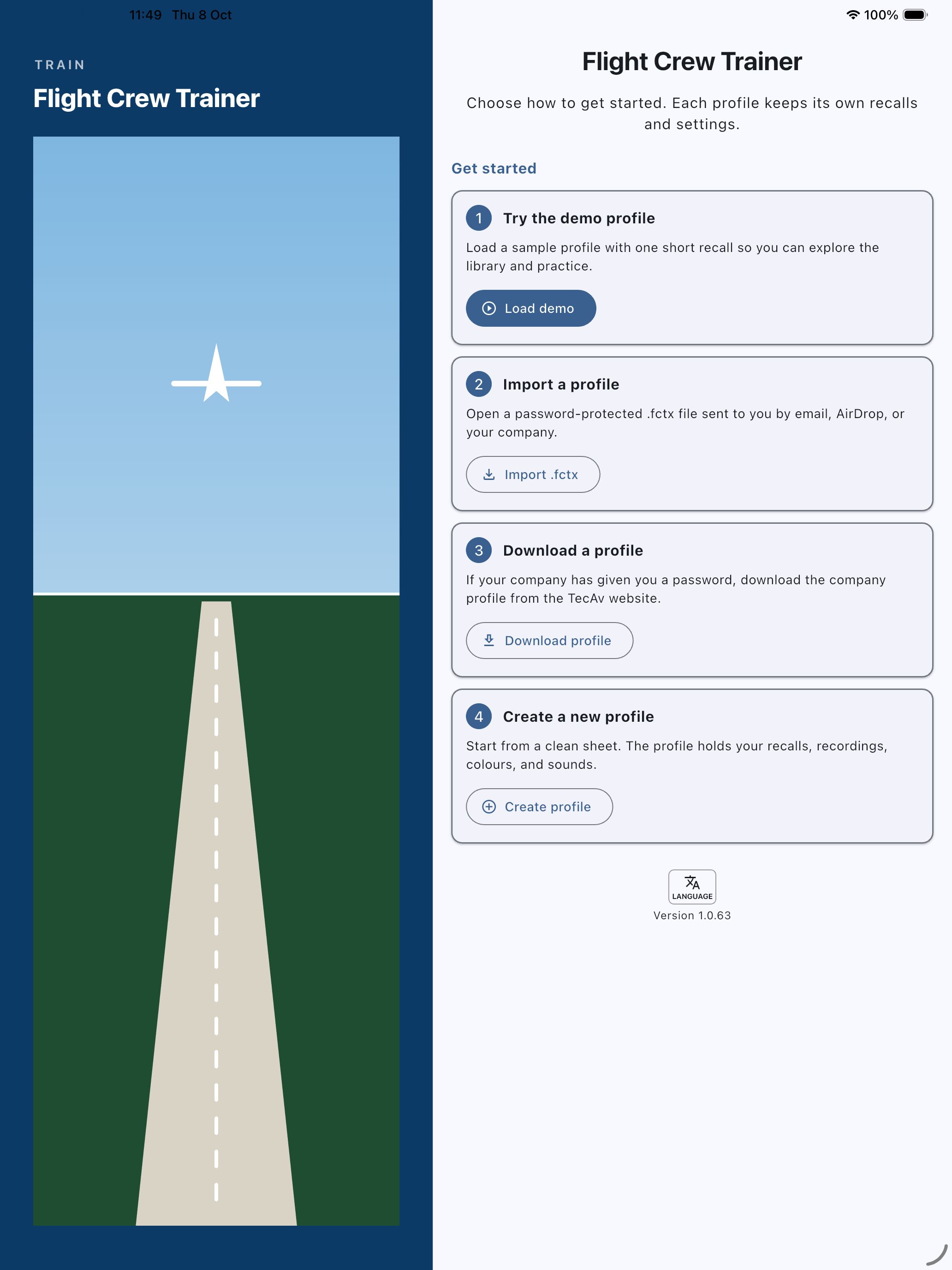
- Apple iPad: required because the app runs on iPad. At least one screenshot at 2064 × 2752 or 2048 × 2732 (portrait), or the same sizes turned sideways. Show the tablet layout, not a stretched phone.
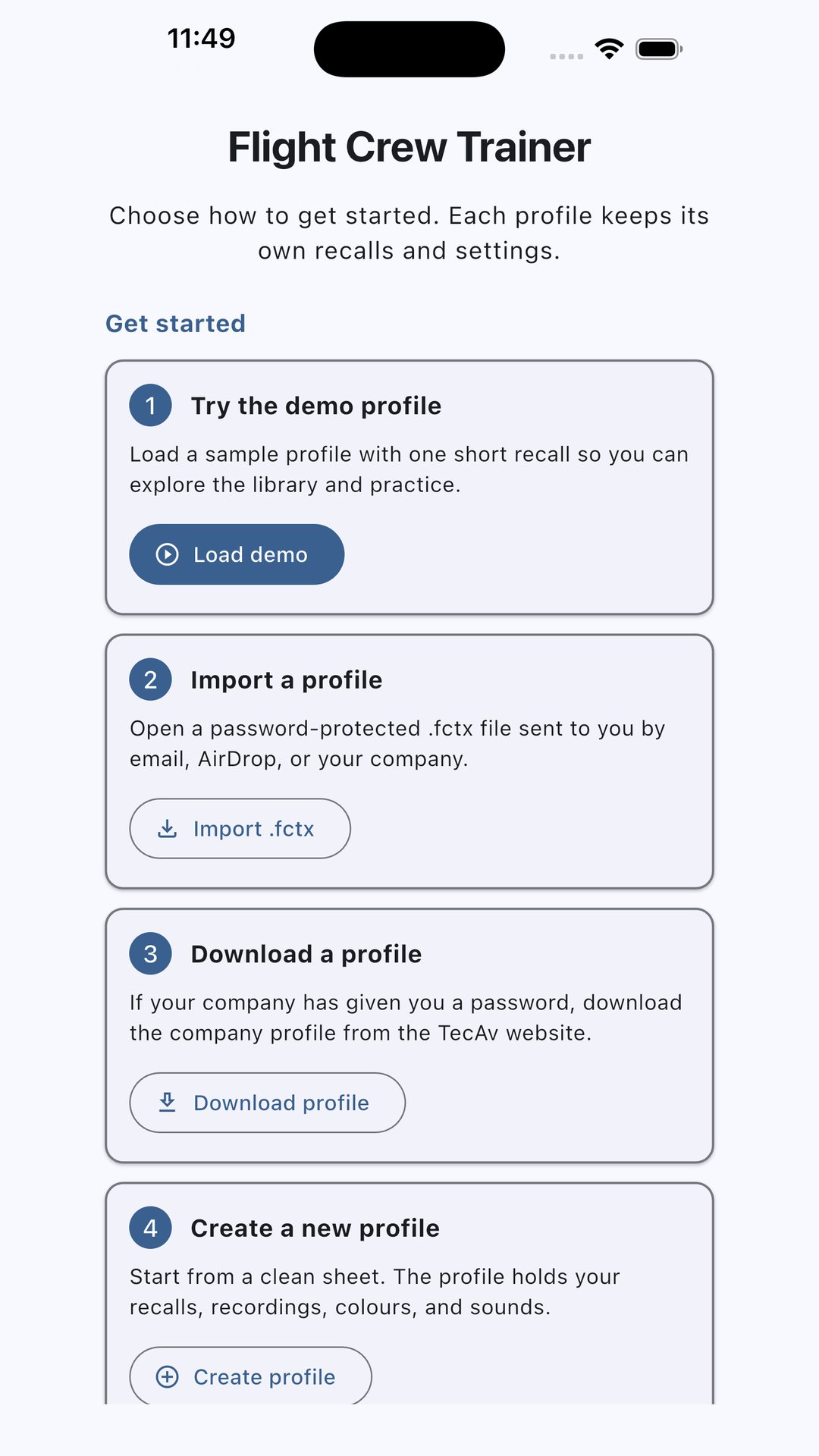
- Google Play phone: at least two screenshots, and four if you want the larger recommendation slots. 1080 × 1920 (9:16). Each side between 320 and 3840. JPEG or 24-bit PNG, no transparency.
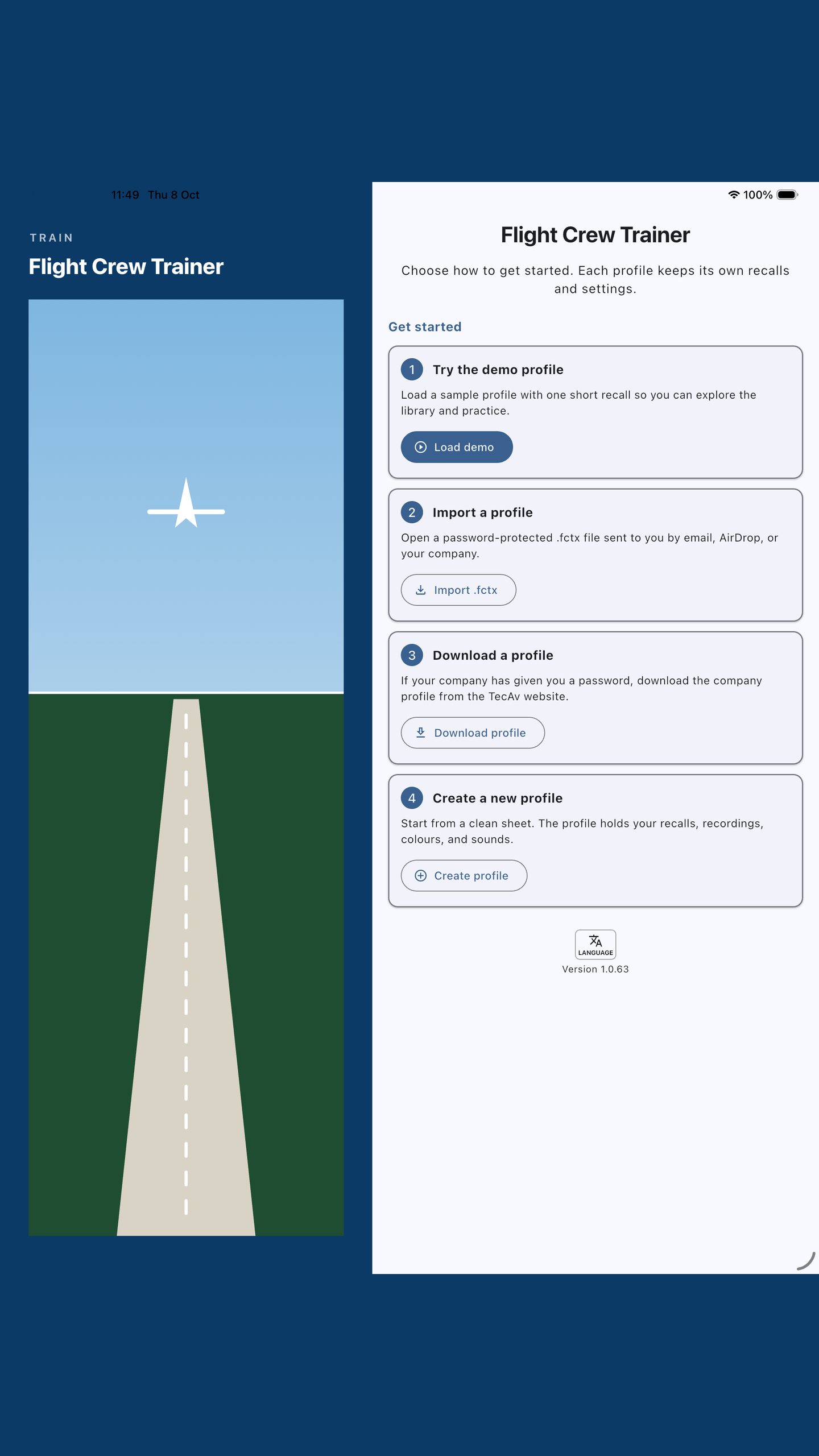
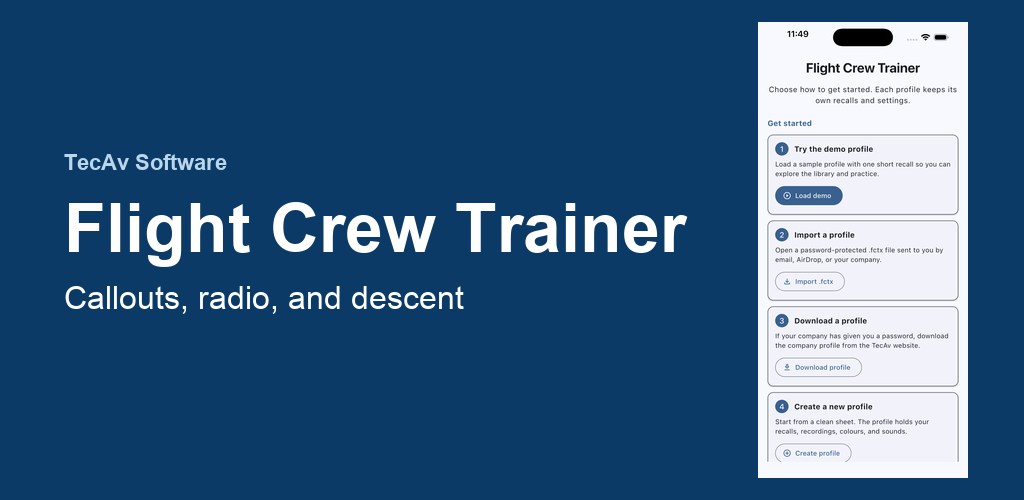
- Google Play tablets: the app supports large screens, so add 7-inch and 10-inch screenshots at 16:9 or 9:16, four if you can. A 1024 × 500 feature graphic is required and is not a screenshot.
Use a mix: the main menu, a training call, words and timings, recordings, the descent drill, and profiles. The same screens are already on the overview, at website size, on a sky background and on a dark band.
Screenshot files
These are the sizes to upload. The pictures on the overview are smaller copies of the same screens.
- Apple iPhone, 1320 × 2868
- Apple iPad, 2064 × 2752
- Google Play phone, 1080 × 1920
- Google Play tablet, 1440 × 2560. Use this for the 7-inch and 10-inch slots until a separate Android tablet capture exists. It is the iPad layout, which is the same screen the Android tablet build shows.
- Google Play feature graphic, 1024 × 500
Review notes you can paste
No account. The welcome screen can load a demo profile with one short recall. Microphone is used only if the reviewer records a line. Photo library is used only if they set a menu image. A company profile on tecav.com.au needs a password the reviewer will not have unless you give them one. The app works fully with a profile created on the device.